

Convenient, secure banking on your schedule
Our online and mobile banking options make it easy to bank on your terms. Manage your accounts, track spending, create budgets and transfer money between family and friends. All the features you expect—with a bank you can trust.
Already have an account? Log In
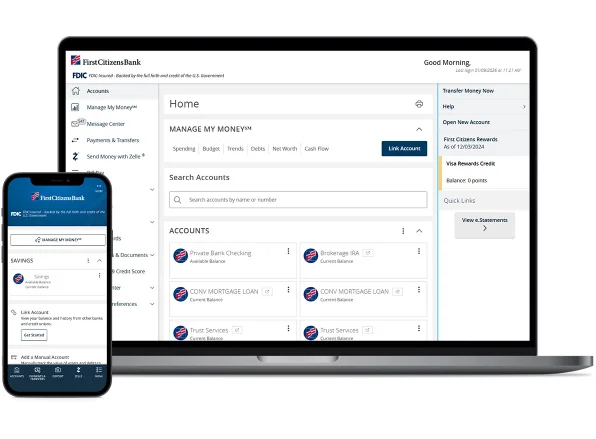
How to get started
Ready to open a Digital Banking account? Follow these steps to enroll as a new user.
Step 1
Enroll in Digital Banking
On the login page, select Enroll Now and provide the required information. You must be a current First Citizens Bank customer to enroll.
Step 2
Create security credentials
Choose a Secure Access Code, contact method for account verification and password to use when logging in to your account.
Step 3
Agree to account disclosures
Review and agree to the Digital Banking Consent to Receive Electronic Disclosures and Digital Banking Agreement.
Step 4
Explore Digital Banking
Once you've successfully enrolled in First Citizens Digital Banking, download our mobile app to bank from anywhere.

Target run? Banking done.
Make withdrawals and check your balance at Target ATMs nationwide. No fees—just one less stop on your to-do list.
Account Management
All your accounts. One place.
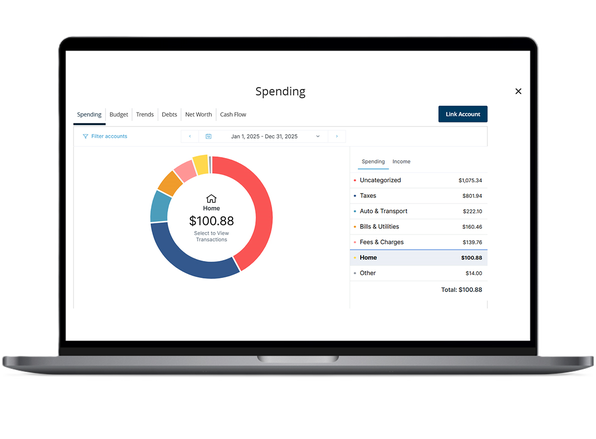
Payments & Transfers
Quick and secure money movement
Make payments on your terms
Receive your direct deposit at First Citizens Bank
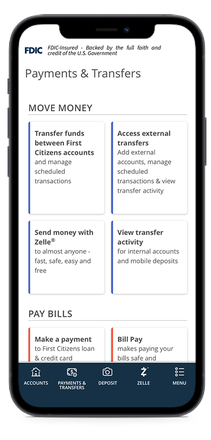
Mobile Banking
Bring banking to you
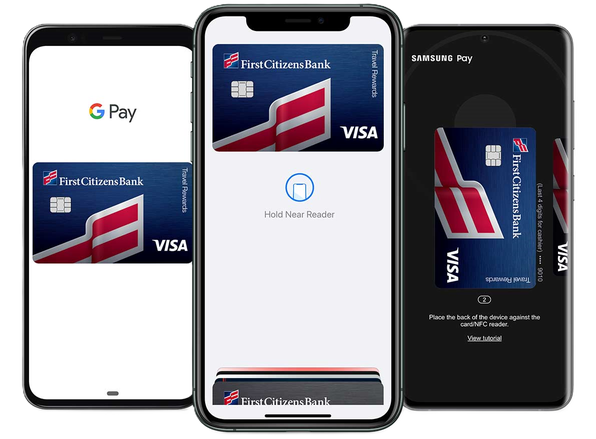
Security & Fraud Protection
Prioritize your digital security

Privacy
Protecting your personal information is our priority. That's why we implement top-of-the-line security to protect you and your family's data and privacy.

Push notifications
Enable push notifications in the mobile app to receive security alerts and confirm logins and password resets—giving you a faster, more secure way to verify your identity.

Fraud prevention
With Digital Banking, you can lock your card, change your debit PIN, get security alerts on possible fraudulent activity and set up account and transaction alerts to stay one step ahead of identity theft.
